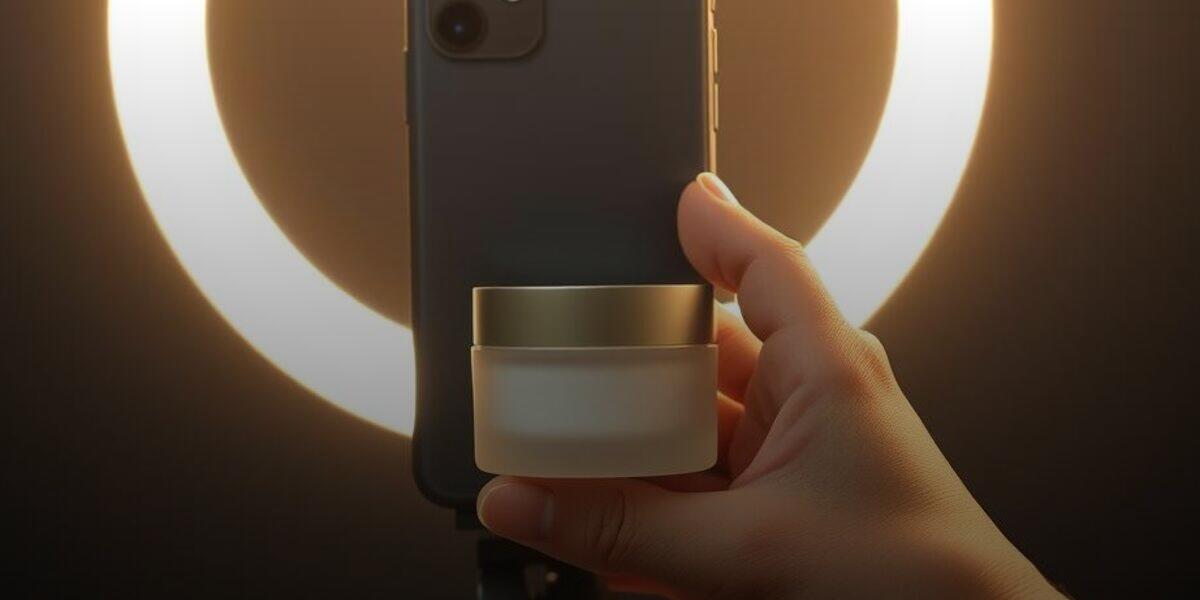
An Instagram collab post publishes one piece of content on both the creator's grid and the brand's grid, with both handles in the header and one shared count of likes, comments and views. Because it then sits permanently on your own profile, brief it as brand content made in the creator's voice, agree in the contract how long it stays live and who answers comments, and keep the paid partnership label on, since a collab credit is not a disclosure.
What a Collab Post Actually Changes
Most brands still run creator posts the old way. The creator publishes on their own account, tags the brand in the caption or on the product, and the brand reshares it to Stories for a day. The post lives on the creator's grid, collects likes and comments there, and is effectively gone from the brand's world by the weekend.
An Instagram collab post works differently. The creator publishes the post and invites the brand as a collaborator. Once the brand accepts, the same post appears on both grids, both handles show in the post header, and there is one shared count of likes, comments and views. Followers of the creator and followers of the brand see the same post, and every comment lands in a single thread that both sides can answer.
That sounds like a small distribution upgrade. It is actually a change in what the post is. A tagged post is the creator's content that mentions you. A collab post is shared content that sits permanently on your own profile, in front of people who already follow you, next to the product shots you planned carefully. Brands that treat it as just a tag with extra reach end up with a grid full of posts that do not look like theirs and creators whose audiences never quite connect with the brand.

| Tagged post | Collab post |
|---|---|
| Lives only on the creator grid | Appears on both the creator and brand grids |
| Brand appears as a tag the viewer may never tap | Both handles shown in the post header |
| Likes and comments stay with the creator | One shared count of likes, comments and views |
| Brand followers never see it unless reshared | Reaches both follower bases from a single post |
| Easy to forget once it scrolls past | Stays on the brand grid as long as agreed |
The upside, when it is done well, is real. The brand's followers see a real person using the product, which is the kind of proof a brand account cannot produce about itself. The creator's followers see the brand's handle right in the header, one tap from the profile, instead of buried in a caption they skimmed past. And the social proof stacks: a post with comments from both communities reads as more alive than either account could manage alone.
Briefing Content That Has to Live on Two Grids
The biggest mistake with collab posts is briefing them like a one-off sponsored post. A sponsored post only has to work for the creator's audience, on the day it goes up. A collab post has to work for two audiences, and for as long as it stays on your grid.
That changes a few things in the brief. The opening has to make sense to someone who has never heard of the creator. "Okay guys, so you know how I've been complaining about my skin" works for a loyal follower and confuses everyone who follows the brand. Ask for an opening that sets up the problem on its own, then lets the creator's personality carry the rest.
The cover frame matters more than usual. On the creator's grid it only has to fit their feed. On yours, it sits beside your own product photography for months. Agree on a cover frame that is clean, shows the product clearly and does not clash with your grid, without asking the creator to make the whole video look like a brand ad.
Keep it evergreen. A collab Reel that references a sale ending on Sunday, a festive offer or a discount code that expires next week turns into dead weight on your grid the moment the offer ends. Put time-bound offers in Stories or the caption you can edit, and keep the video itself about the product and the problem it solves.
None of this means taking the creator's voice away. The whole reason a collab post works on your grid is that it does not look like your other content. The same principles in our guide on how to brief UGC creators so the footage is actually usable apply here: be precise about the message, the claims to avoid and the frames you need, and leave the delivery to the creator.
"A tagged post is the creator's content that mentions you. A collab post sits permanently on your own grid, so brief it like something you will still want there in six months."
- Brand Integer Influencer Marketing Team
Collab Posts, the Paid Partnership Label and Partnership Ads
Three Instagram features get confused constantly, and the confusion causes compliance problems as well as wasted budget.
A collab post is a distribution feature. It decides where the post appears and who it is credited to. It says nothing about whether the creator was paid.
The paid partnership label is a disclosure feature. It tells the audience there is a commercial relationship. In India, ASCI's guidelines for influencer advertising expect a clear disclosure whenever there is a material connection between the creator and the brand, whether that is a fee, free product or a commission. Having your handle in the header of a collab post is not a disclosure, because an ordinary viewer cannot tell from it whether the creator was paid. Turn the paid partnership label on as well, and keep the written disclosure in the caption your contract asks for.
Partnership ads are a paid amplification feature. With the creator's permission, you can run ads that appear from the creator's handle, or from both handles, and target audiences beyond either account's followers. A collab post that performs well organically is often the best candidate for this, because you already know the content holds attention. The mechanics, permissions and pricing of that step are covered in our piece on running paid ads through a creator's handle.
The practical sequence for most D2C brands is simple: publish as a collab post with the paid partnership label, watch the organic response for a week or two, then decide whether it has earned ad spend.
The Contract Terms a Collab Post Adds
A standard influencer agreement was written for posts that live on the creator's account. A collab post puts content on yours, and that raises questions most contracts do not answer.

- Agree the terms Grid duration, removal rights and ad use in writing
- Brief for two grids Content that fits the creator feed and the brand feed
- Publish and invite Creator posts and adds the brand as collaborator
- Label and accept Paid partnership label on, brand accepts the invite
- Work the comments Both sides answer product questions in one thread
How long it stays on your grid. Creators sometimes assume the post is theirs to remove whenever they like, and either side can usually remove the collaboration after it goes live. If a strong post quietly disappears from your grid three months later, you lose the social proof you paid for. Agree on a minimum period the collaboration stays live, and what happens after it ends.
Who answers comments. In a shared thread, a question about delivery, pricing or a skin reaction might be answered by the creator, by your team or by nobody. Agree that product and order questions come to your team, that the creator does not make claims on your behalf in replies, and how quickly negative comments get escalated.
Whether it can become an ad. Running the post as a partnership ad later is a separate use of the creator's content and their handle, and it should be priced and permitted in writing. The same goes for cutting the footage into your own ads or listing videos. Our guide to influencer contracts, usage rights and exclusivity covers how to scope these rights so you are not renegotiating after the post has already worked.
Insights access. Each side sees analytics from its own account, and the creator can see things about their audience that you cannot. Ask in the contract for screenshots of reach, audience location and saves from the creator's side within an agreed number of days after posting.
Measuring a Collab Post Without Fooling Yourself
The shared like and view count is the most visible number on a collab post and the least useful one. It combines two audiences, so it makes the post look bigger than either account's own reach, and it tells you nothing about which side actually responded.
Look instead at what changed on your own account. Did profile visits and follows rise in the days after the post? Did the comments include questions about price, size, shade or where to buy, the signs that people were weighing a purchase rather than reacting to the creator? Did the creator's code or link convert, and did orders come from cities that match the creator's audience?
Compare collab posts against your ordinary tagged posts with similar creators, not against your brand's average post. The question you are answering is whether putting the content on both grids earned more than a tag would have. If it consistently does, make collab the default in your creator briefs. If it does not, the content probably did not fit your grid, which is a briefing problem and not a format problem. The broader framework for judging this sits in our guide to measuring influencer marketing ROI.
Finally, treat your grid as an asset. Over a year, a run of well-briefed collab posts gives a new visitor to your profile something brand photography never can: a wall of real people, with real audiences, using the product. That is worth more than the reach of any single post, and it only builds if each one was made to belong there.
Frequently Asked Questions
Does an Instagram collab post count as paid partnership disclosure?
No. A collab post only controls where the post appears and who it is credited to. If the creator was paid, sent free product or earns a commission, turn on the paid partnership label and include a clear written disclosure as ASCI's influencer guidelines expect. A brand handle in the post header does not tell viewers the creator was paid.
Should the brand or the creator publish the collab post?
Usually the creator publishes and invites the brand as a collaborator. The post then feels native to the creator's audience, which is the audience you are paying to reach, and the brand simply accepts the invite. Agree on who publishes in the brief so nobody waits on the other.
Can a brand remove a collab post from its grid later?
Generally yes. Either side can usually remove the collaboration after it goes live, and the post stays on the publishing account. That is why the contract should set a minimum period the collaboration stays live on both grids and say what happens once it ends.
Should every influencer post be a collab post?
No. If the content leans heavily on the creator's in-jokes, centres on a time-bound offer, or simply does not fit your grid, a tagged post plus a Story reshare is the better choice. Use collab posts for content you would be glad to keep on your own profile for months.